

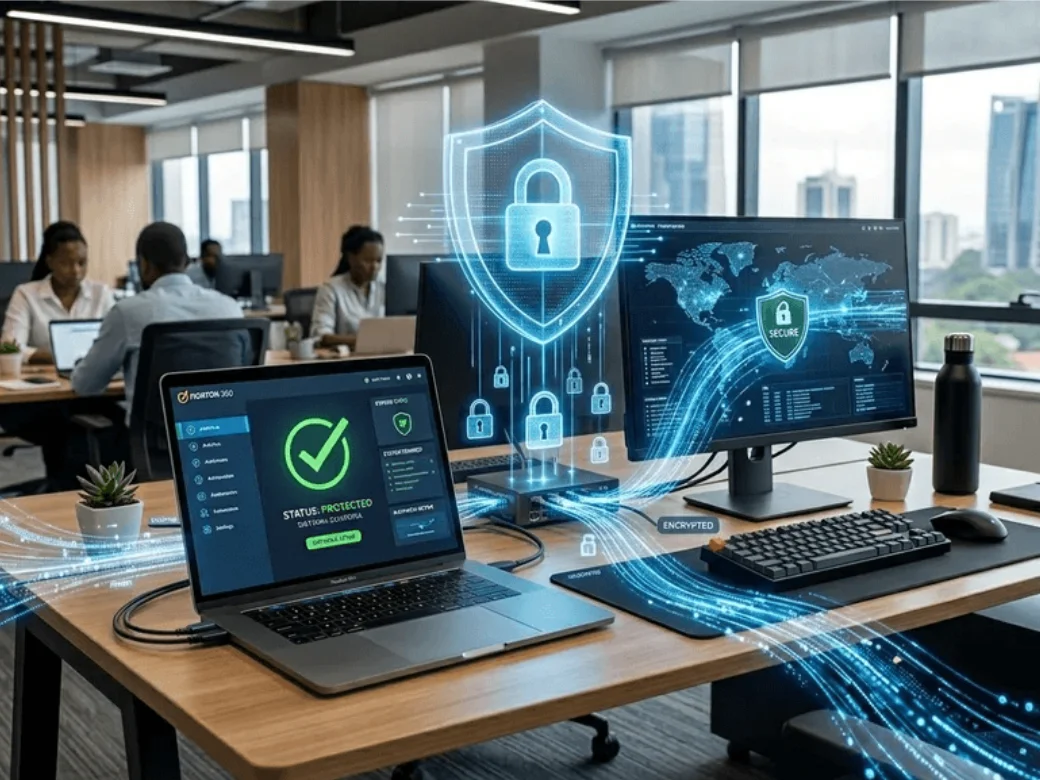
Securing Laptops and Desktop Computers Connected to the Internet
In today’s digital age, laptops and desktop computers are essential tools for work, education, and entertainment. However, connecting these devices to the internet also exposes them to various cyber threats, from malware and ransomware to identity theft and data breaches. At Fastown East Africa Ltd, we understand the importance of keeping your devices secure. Here are essential tips to protect your laptops and desktops from online threats.
Install and Update Antivirus Software
A reliable antivirus program is your first line of defense against malware, viruses, and other malicious software. Choose a reputable security suite and ensure it is set to update automatically. Regular scans help detect and remove threats before they cause damage. Remember, cybercriminals constantly develop new malware, so outdated virus definitions leave your computer vulnerable.
Keep Your Operating System and Software Updated
Software updates are not just about new features. They often include critical security patches that fix vulnerabilities hackers could exploit. Enable automatic updates for your operating system (Windows, macOS, or Linux) and all installed applications, especially web browsers and productivity software. Outdated software is one of the most common entry points for cyberattacks.
Use Strong, Unique Passwords and Enable Two-Factor Authentication
Weak passwords are like leaving your front door unlocked. Create strong passwords using a combination of uppercase and lowercase letters, numbers, and special characters. Avoid using the same password across multiple accounts. Consider using a password manager to generate and store complex passwords securely. Additionally, enable two-factor authentication (2FA) wherever possible. This adds an extra layer of security by requiring a second verification step, such as a code sent to your phone.
Be Cautious with Emails and Downloads
Phishing emails remain one of the most effective ways hackers gain access to computers. Never click on suspicious links or download attachments from unknown senders. Even if an email appears to be from a legitimate source, verify it by contacting the sender directly. Only download software from official websites or trusted sources to avoid inadvertently installing malware.
Secure Your Internet Connection
Always use a secure, password-protected Wi-Fi network. Avoid conducting sensitive transactions like online banking on public Wi-Fi networks, as these are often unsecured and vulnerable to interception. If you must use public Wi-Fi, consider using a Virtual Private Network (VPN) to encrypt your internet traffic and protect your data from prying eyes.
Enable Your Firewall
Firewalls act as a barrier between your computer and potential threats from the internet. Both Windows and macOS have built-in firewalls. Make sure they are enabled. A firewall monitors incoming and outgoing network traffic, blocking unauthorized access while allowing legitimate communications.
Back Up Your Data Regularly
Even with the best security measures, breaches can still happen. Regularly back up important files to an external hard drive or cloud storage service. This ensures that if your computer is compromised by ransomware or hardware failure, you will not lose critical data. Follow the 3-2-1 backup rule: keep three copies of your data, on two different storage types, with one copy stored offsite.
Physically Secure Your Device
Do not overlook physical security. Use cable locks for laptops in public spaces, never leave devices unattended, and password-protect your computer to prevent unauthorized access if it is stolen. Enable device tracking features like “Find My Device” (Windows) or “Find My Mac” to locate lost or stolen computers.
Final Thoughts
Securing your laptop or desktop computer is not a one-time task. It is an ongoing process that requires vigilance and good habits. By implementing these security measures, you significantly reduce your risk of falling victim to cyberattacks.
At Fastown East Africa Ltd, we do not just sell quality ICT products. We are committed to helping our customers use technology safely and effectively. Visit our stores in Mombasa or Nairobi, or contact us at 0741407238 or info@fastown.co.ke for expert advice on securing your devices and choosing the right security software for your needs. Stay safe online!